



Nothing ruins a beautiful, serene workspace faster than a tangled mess of wires. For years, the sight of a lamp cord trailing from my desk across the floor in The Study drove me crazy! We finally tackled this eyesore with a quick, satisfying DIY project, and my only regret is not doing it sooner.
Here’s the complete guide to hiding those wires and achieving a clean, cord-free floating desk look.

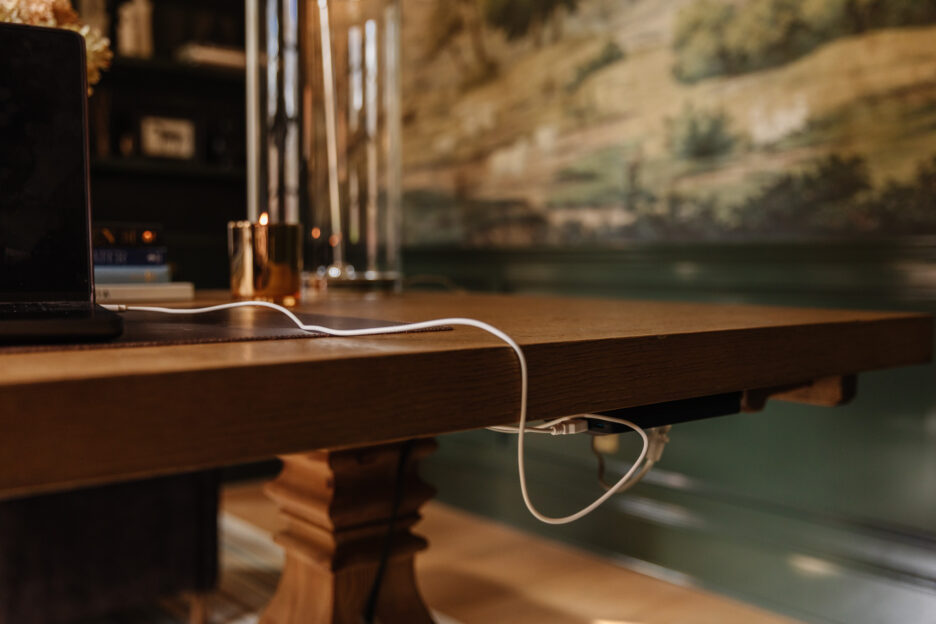
Shop Our Cord Management Supplies
The Secret Tool: An Under-Desk Power Strip
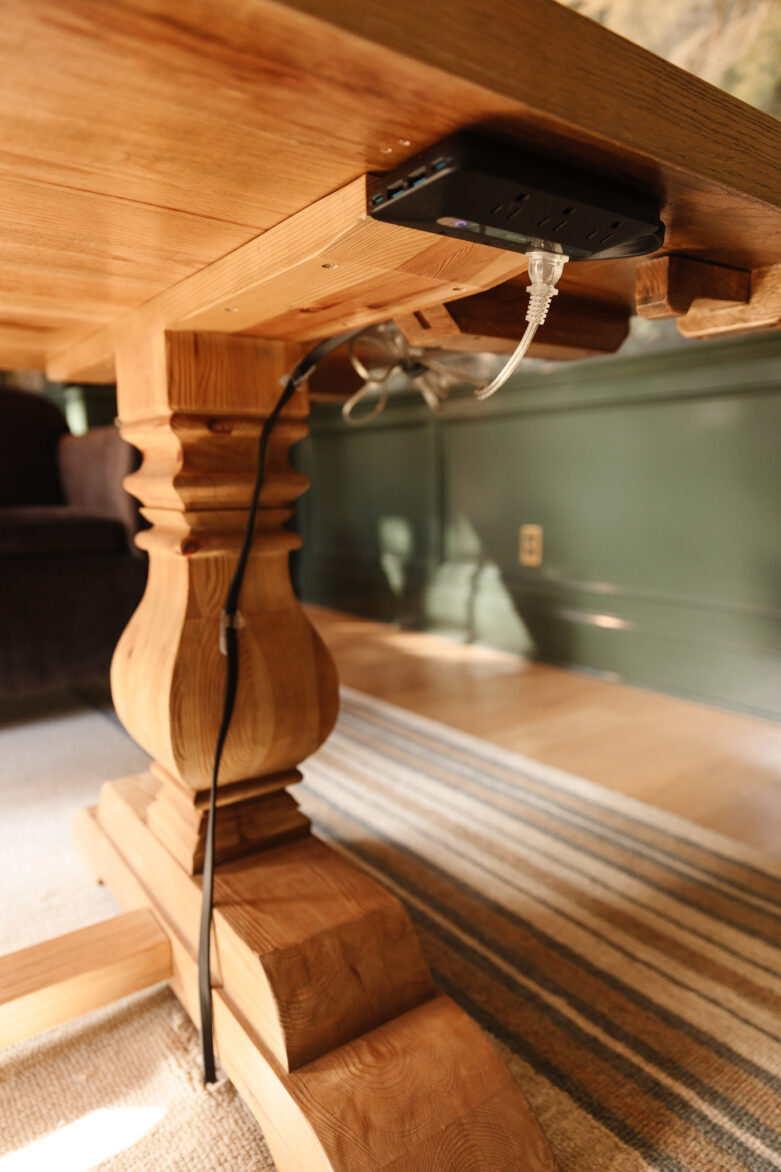
The cornerstone of this project is installing a high-capacity power strip that attaches directly to your desk’s underside.
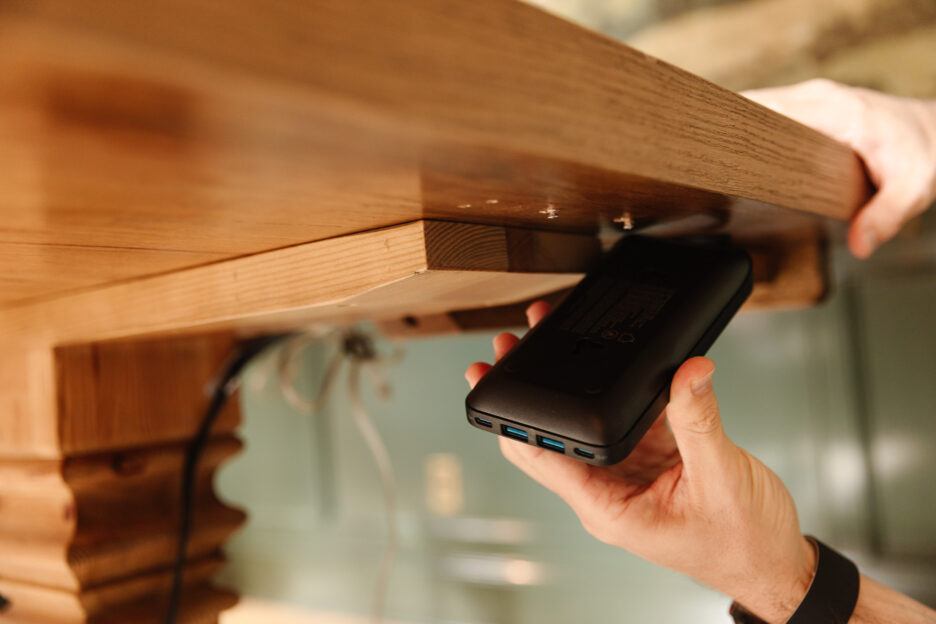
I looked at a lot of options and decided that this power strip is the best: it has a lot of outlets, plus USB chargers on one side and an on-off switch on the other side. I can plug my lamp into this, my laptop….all tucked under the table nice and neat!
How We Installed the Power Strip
Chris measured out the screw holes on the back of the power strip and marked the spacing on the underside of the desk. Once he installed the two screws, he could then snap it into place. Since you’ll be pulling cords in and out, we added an extra layer of security. Chris drove a screw halfway into the wood right next to the power strip enclosure. This acts as a bumper or stopper, preventing the strip from wiggling or potentially being pulled off when you unplug something.
Managing the Cords Under the Desk
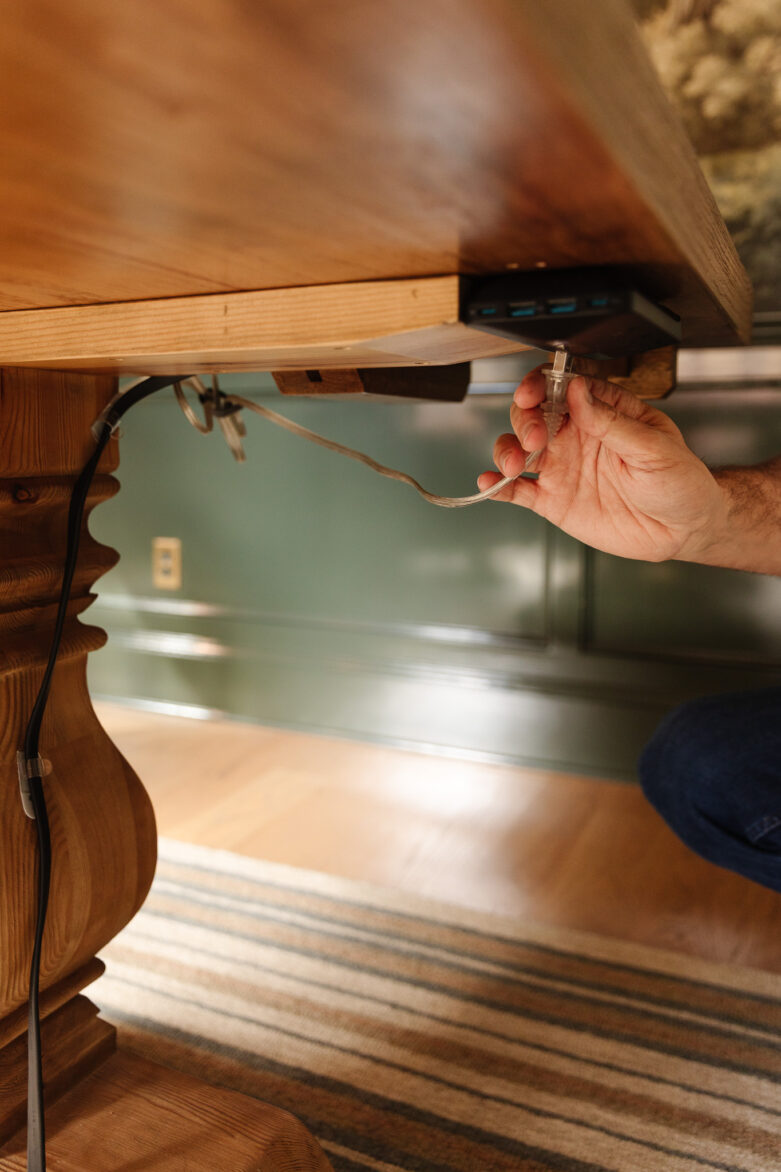
To manage the individual cords (like the lamp cord) and guide the main power strip cord toward the wall, we used small Command hooks. We adhered these hooks to the underside of the desk, feeding the cables through them. Any excess cord length from the lamp or laptop chargers we neatly bundled using Velcro cable ties before being attached to the hooks.
Important Safety Note
This setup worked for our space, but power strips and extension cords are generally recommended to remain visible and well-ventilated. If you’re planning a similar project, the safest long-term solution is a floor outlet or an electrician-installed option designed for concealed wiring. Always use what’s appropriate for your home and consult a licensed electrician if you’re unsure.
This is the step that might make you nervous, but for us — it made a big difference in achieving a seamless look.
We cut a hole in the rug under the desk so that the anchor wire could connect up to the power strip. The cut is actually more of a slit, which, if we ever DID want to move the rug, you wouldn’t even really notice because of the tufting.
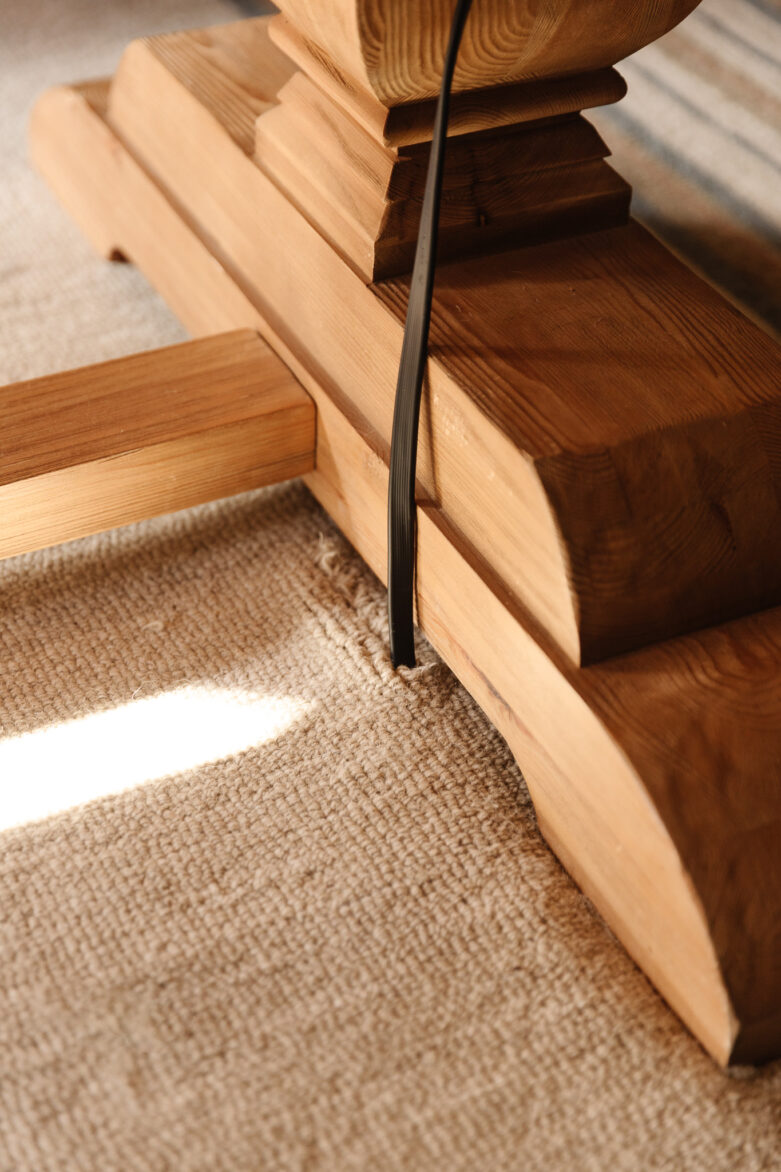
The power cord is flat, which helps reduce visual bulk when routed along the floor. This rug has more blocks of solid colors, so the cord is slightly noticeable, but not NEARLY as much as before—plus no one will trip over anything this way!
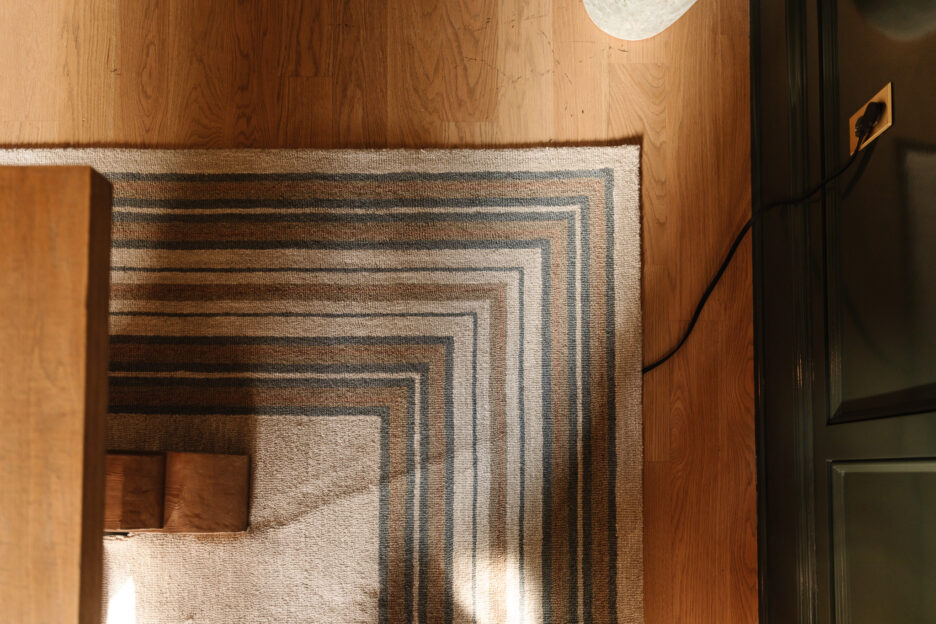

This was one of the quickest and most satisfying DIY projects we’ve ever done. The difference in the aesthetic of The Study is incredible. If cord clutter drives you crazy, even small changes can make a big difference.
If you’re starting from scratch or renovating, a floor outlet or desk grommet designed for concealed wiring is always the safest option.







I love this! Now show me how to hide the cords from two ridiculous monitors! Or are finance bros doomed to have ugly desks? My study used to be my favorite room. :(
I really like the idea of the slit in the carpet. One day we won’t need to worry about cords!
While cutting a slit into a rug doesn’t terrify me, does the hole need to be large enough to fit the plug? I feel like you had a work around for this at one point. I feel some designers will actually cut the plug off, feed the cord through, then have the plug reattached. That seems excessive; tell me there’s an easier way.
Thank you for sharing! Just FYI, running a cord, even a flat one, under a rug can be a fire hazard. Over time friction from the rug backing can wear at the coating on the cord, potentially exposing the interior wire and creating a fire risk.
I’ve used this trick! If you have a rug pad under your rug you can cut a channel in it for the cord to lay within and completely eliminate the slight bump that the cord makes.